Pay in installments of $5.66 with
 ,
,
 and
and

Shipping Estimate
USA
- USA
- CAN
- USA
- CAN
Ships within 48 hours · Estimated delivery Sep 15 - Sep 20
 Promo Codes Available:
For Your Every Summer RSVP, with Code: SUMMER15
Description
guitar pedal troubleshooting PedalsMastering your tone and building a pedalboard that reflects your musical personality starts with understanding the tools at your feet. This comprehensive eBook of 118 pages is the definitive guide to guitar pedals, covering everything from foundational concepts to advanced tone shaping techniques. Perfect for beginners and experienced players alike, this complete guide to guitar pedals provides the clarity, insight, and inspiration you need to shape
Mastering your tone and building a pedalboard that reflects your musical personality starts with understanding the tools at your feet. This comprehensive eBook of 118 pages is the definitive guide to guitar pedals, covering everything from foundational concepts to advanced tone-shaping techniques.
Perfect for beginners and experienced players alike, this complete guide to guitar pedals provides the clarity, insight, and inspiration you need to shape your sound and explore new creative possibilities.
What will you find in this PDF guide?
-
Why guitar pedals matter, and how they can transform your sound
-
Clear explanations of all pedal types: overdrive, delay, reverb, modulation, fuzz, wah, pitch, looper, multi-FX, and more
-
Step-by-step guide to choosing your first pedals (and what to avoid)
-
Pedal order secrets used by pros like Hendrix, Gilmour, and Frusciante
-
How to build, power, and troubleshoot your pedalboard like a seasoned player
-
Budget-friendly options that still deliver a great tone
-
Tips for avoiding tone suck, noise and buzz
-
Expert tone management strategies to get the most out of your guitar and amp
Who’s this for?
-
Beginners looking to buy their first pedal
-
Intermediate players ready to build their dream board
-
Tone chasers obsessed with perfecting their sound
-
Musicians tired of gear confusion and ready for clarity
Why this eBook rocks
-
Forget confusing jargon and endless YouTube rabbit holes. This guide is clear, practical, and fun, packed with real-world advice, examples from legendary players, and insider tips from 30+ years of pedal experience.
-
Get Inspired. Sound Better. Have More Fun.
-
Bonus: Includes iconic pedalboard breakdowns from guitar legends like Jimi Hendrix, David Gilmour, Kurt Cobain and Jack White.
-
Download now and take your tone to the next level.
-
Click here to get your copy and start your pedal journey today
Table of contents
1- Introduction to guitar pedals
1.1 - Why use guitar pedals?
1.2 - Do I need guitar pedals?
1.3 - Common types of guitar pedals and what they do
1.4 - Overdrive and distortion pedals
1.5 - Delay pedals
1.6 - Reverb pedals
1.7 - Modulation pedals
1.8 - Compression pedals
1.9 - Wah and filter pedals
1.10 - Pitch and octave pedals
1.11 - EQ pedal
1.12 - Boost pedals
1.13 - Looper pedals
1.14 - Multi-effects pedals
1.15 - What’s the difference between analog and digital pedals?
2 - Getting started with guitar pedals
2.1 - The best guitar pedals for beginners
2.2 - What pedals should I buy first?
2.3 - How many pedals should I have?
2.4 - Budget-friendly pedal options for beginners
3 - Building and organizing your pedalboard
3.1 - Essential tips for building a pedalboard
How do you connect multiple guitar pedals?
Understanding signal chain
3.2 - What order should I place my pedals in?
Where to place: the compressor, the volume pedal,
the loop pedal, the whammy, the wah-wah?
3.3 - Cable management and pedal placement tips
What cables do I use to connect pedals?
3.4 - Inspirational pedalboard setups from 10 iconic guitarists
3.5 - Before or after the amp?
4 - Powering your pedalboard
4.1 - How do power supplies work? Which ones to choose?
- Should I use isolated power supplies for my pedals?
- Essential notions explained: voltage - current - polarity - AC, DC, voltage, amperage
- Positive (+) or Negative (-) polarity
D- C plugs differences explained
- 200mA? 500mA?
4.2 - Choosing the right power supply for your pedals
4.3 - Isolated vs. non-isolated power supplies
4.4 - Using batteries vs. power supplies
5 - Understanding signal flow and tone management
5.1 - Avoiding signal loss and tone suck
5.2 - True bypass vs. buffered bypass
- What’s a buffer? Should I use a buffer? How to use it?
- Where to place it for the best results?
- How to buffer them and where to place them?
- Why is a buffer important in a pedal chain?
- How do I know if I need a buffer on my pedalboard?
- Can a buffer improve the sound of my long cables?
- How many buffers should I use in a complex configuration?
- Does a buffer affect the sound of effect pedals
such as distortion or fuzz?
- Should I use a pedal with a built-in buffer?
- How do I choose a good buffer?
- What's the difference between a buffer and a true bypass?
5.3 - Mono vs. stereo pedals and signal paths
5.4 - Managing tone with volume and expression pedals
5.5 - How do I use a compressor pedal properly?
5.6 - What’s the purpose of a noise gate, and how do I set it up?
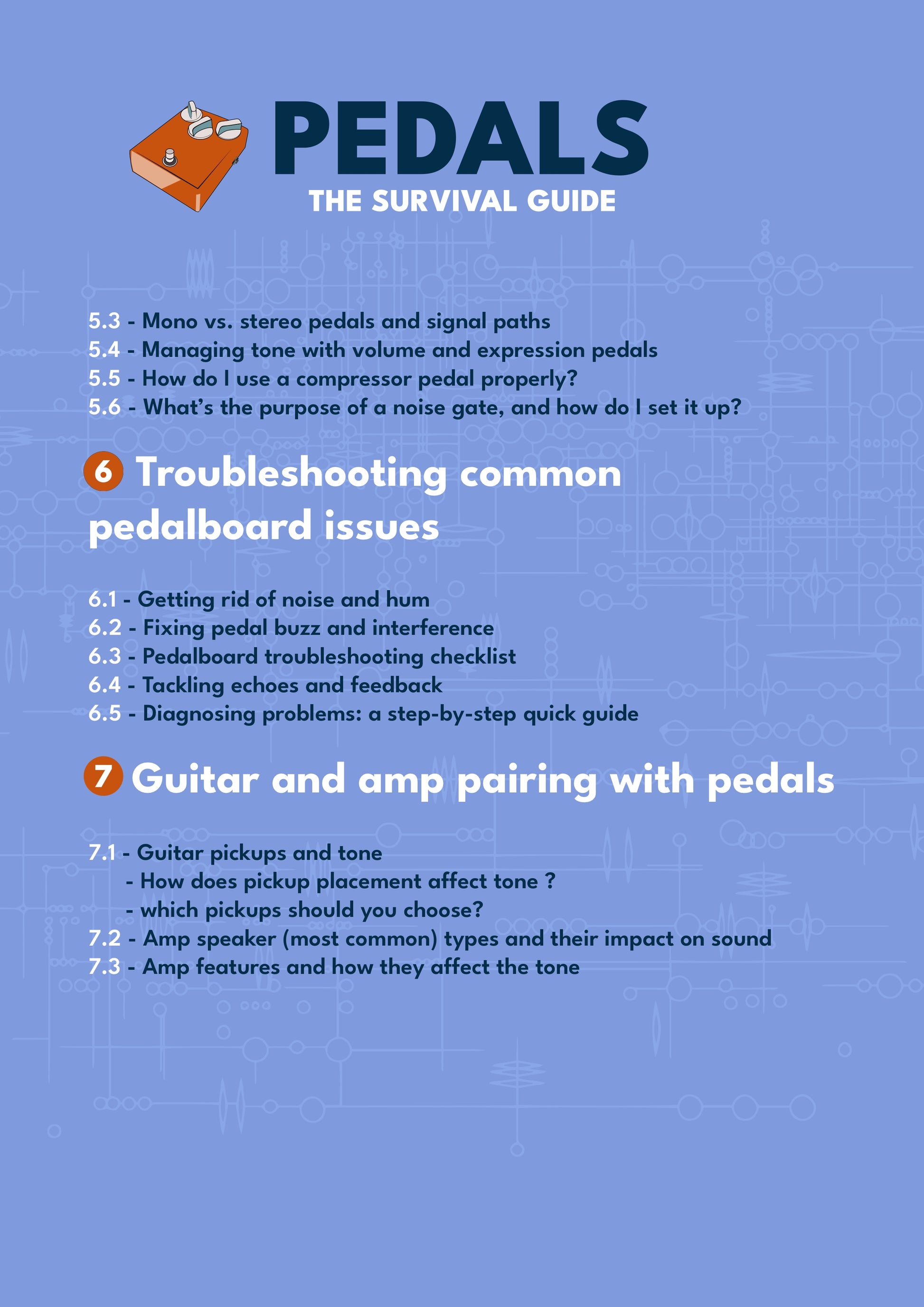
6 - Troubleshooting common pedalboard issues
6.1 - Getting rid of noise and hum
6.2 - Fixing pedal buzz and interference
6.3 - Pedalboard troubleshooting checklist
6.4 - Tackling echoes and feedback
6.5 - Diagnosing problems: a step-by-step quick guide
7 - Guitar and amp pairing with pedals
7.1 - Guitar pickups and tone
- How does pickup placement affect tone?
- Which pickups should you choose?
7.2 - Amp speaker (most common) types and their impact on sound
7.3 - Amp features and how they affect the tone
8 - Essential tips to remember to get
the tone you like
12 essential tips!
About the writers
Julien Bitoun is a famous French journalist and musician, well known for his numerous books on music and French TV appearances. Julien is one of the few French influencers and writers to master the subject to this extent.
Thomas Duflos is the marketing director of Guitar Pro. He's also the creator and graphic designer of Guitar Pedal Of The Day. A former music teacher, he now dedicates his time and energy to sharing his passion for the guitar and effects pedals.
Shipping Notes
- Free Standard Shipping on $100+ Orders to the USA.
- Except Preorder products are shipped in 48 hours.
- Delivery to the USA:
- Standard Shipping : 3-10 business days
- If time is of the essence, please consider selecting expedited delivery for faster service.
Exchange/Return Notes
- We offer a 30-day return/exchange service after receiving.
- Final sale items are not eligible for returns or exchanges.
- To process your return/exchange, please contact us at [email protected]
- Please click here for more details>>> Return & Exchange Policy